Global Search
What is Global Search?
Global Search is a command palette that lets you jump to any quote, client, or product from anywhere in Quotery. Press a keyboard shortcut, start typing, and navigate directly without clicking through menus.
Press Cmd+K on Mac or Ctrl+K on Windows, start typing, and see results across quotes, clients, and products grouped by type. Pick one and you go directly to its detail page. Results cache for 30 seconds so re-opening the palette is instant.
What you can do
- Search across quotes, clients, and products simultaneously from a single input field.
- Open the palette from anywhere with a keyboard shortcut requiring no mouse interaction.
- See results grouped by entity type with key details like quote status, client city, and product SKU.
- Navigate directly to any result's detail page by pressing Enter or clicking.
- Re-open the palette instantly thanks to a 30-second results cache.
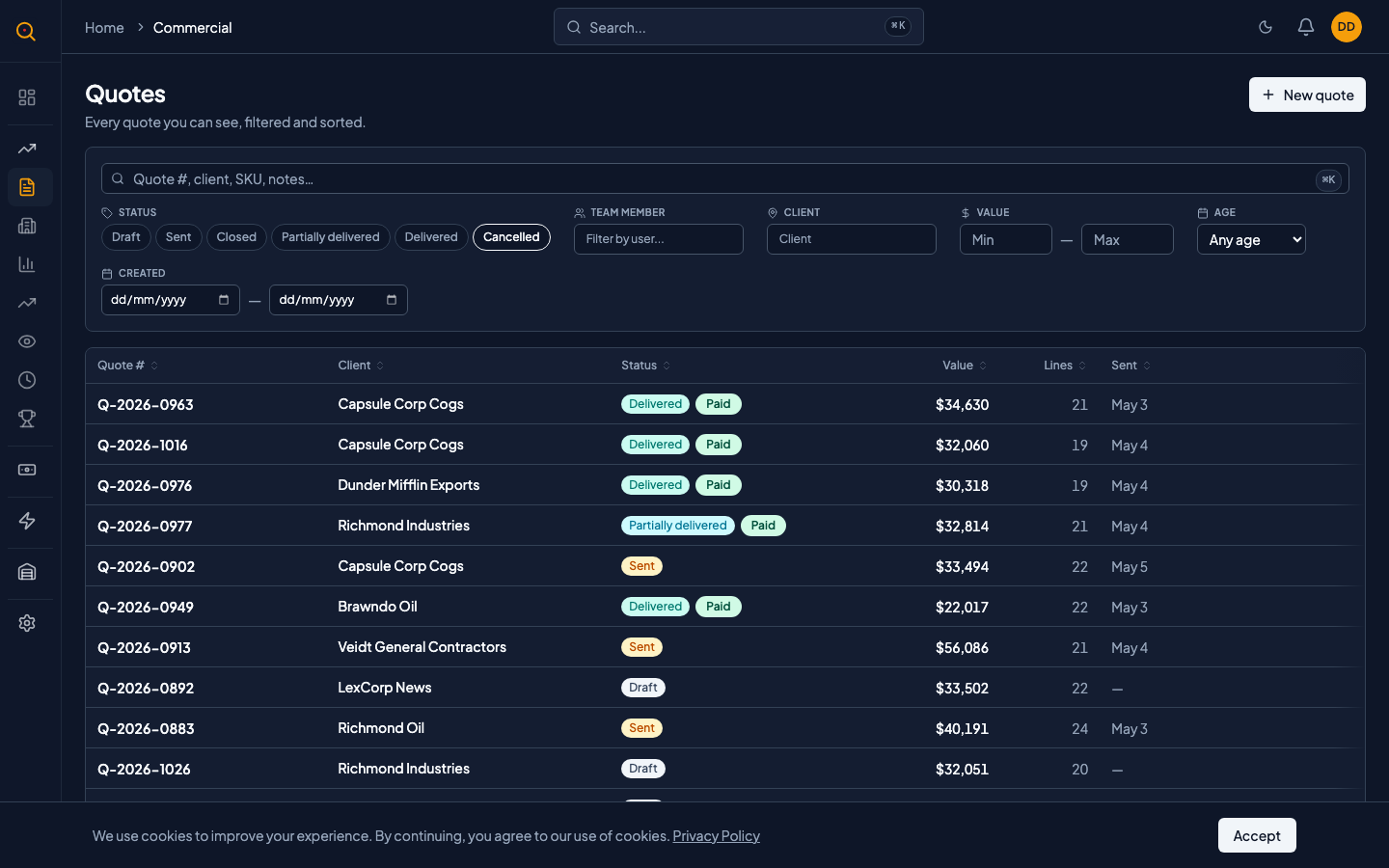
How to...
Global Search is available to all roles and works from any page. This walkthrough covers the basics in under a minute.
🔑 All roles⏱ Under 1 minute per task
Open and use the search palette
- Press Cmd+K on Mac or Ctrl+K on Windows, or click the search icon in the top bar.
- Start typing. After a brief pause, results appear grouped under Quotes, Clients, and Products.
- Use the arrow keys to navigate or keep typing to narrow the results.
- Press Enter or click a result to jump directly to that entity's detail page.
- Press Escape or click outside to close the palette.
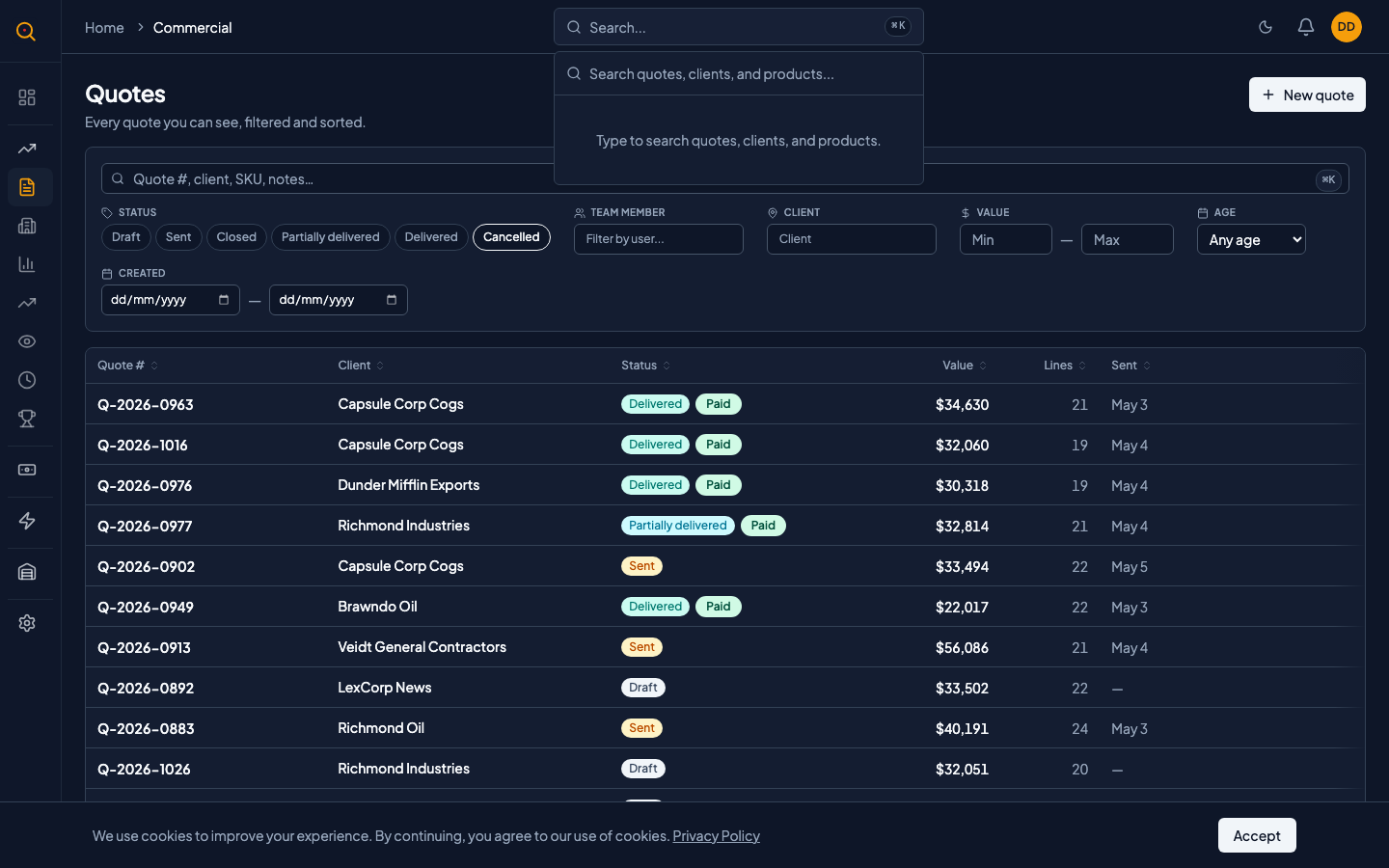
Common scenarios
Jump to a quote you were just discussing on a call
- A client calls asking about quote Q-2026-0042.
- Press Cmd+K, type "0042", and hit Enter.
- You land on the quote detail page in under a second without navigating through menus.
Quickly check if a client exists before creating them
- Press Cmd+K and type the client's name.
- If they appear in results, click to open their profile. They already exist.
- If nothing appears, you know you need to create them. No need to switch pages to check first.