Ask AI
What is Ask AI?
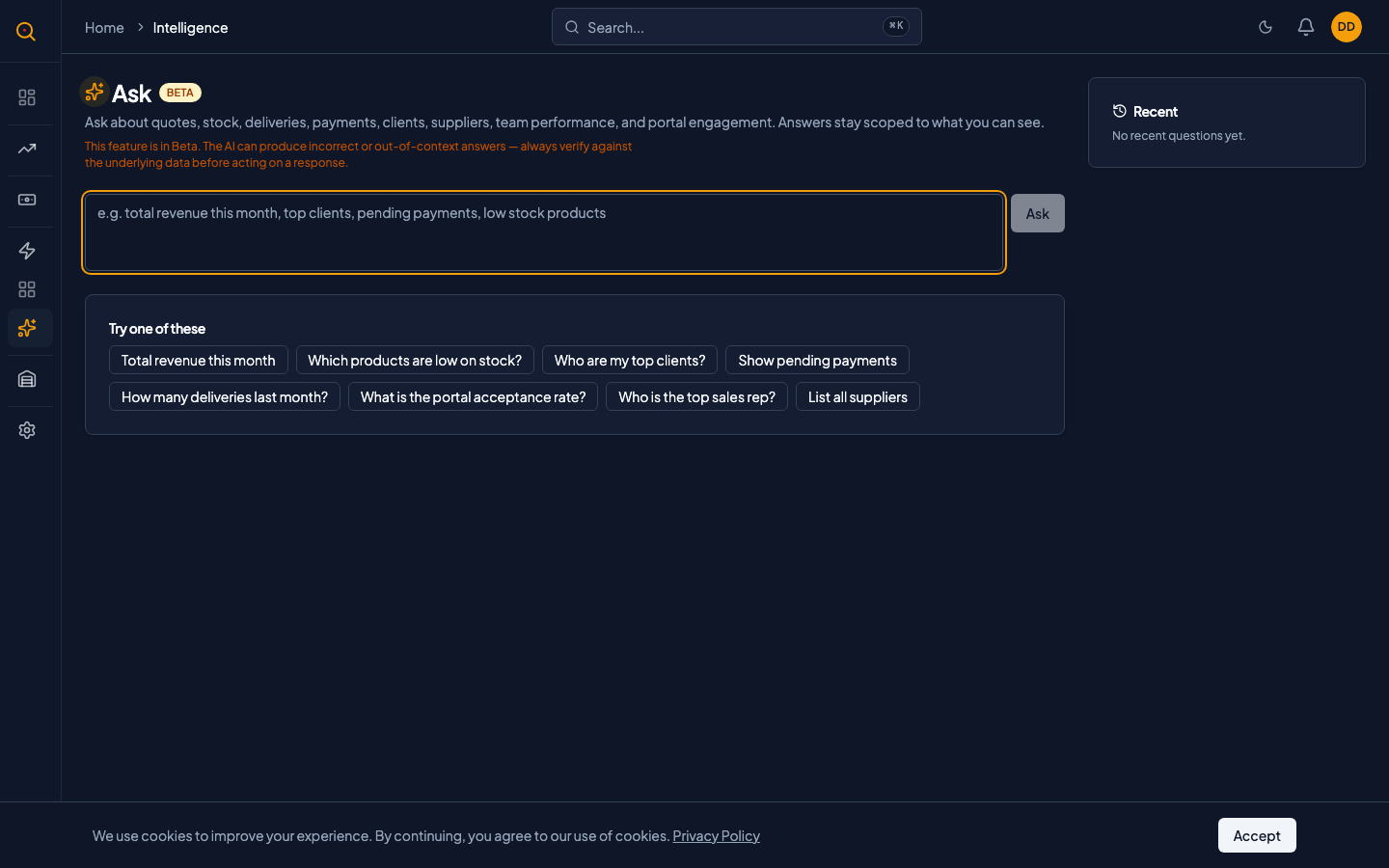
Ask AI is a conversational assistant that answers questions about your business data in plain English, Portuguese, or Spanish. It pulls structured answers from your actual quotes, clients, and stock levels without requiring you to build a report.
You type a question the way you would ask a colleague, and it returns a structured answer from your live data. Ask AI is marked as Beta because AI is not perfect, but it tells you when it does not know something rather than making up an answer. It saves you from building reports manually for quick questions about your pipeline and inventory.
What you can do
- Ask free-form questions about your quotes, clients, and sales performance with no special syntax required.
- Get answers with a chart when the data supports a visual breakdown by month or by client.
- Ask inventory questions and get answers pulled directly from your stock data with no AI guesswork.
- Receive results in your preferred language: English, Portuguese, or Spanish.
- Get an honest explanation when your question goes beyond what Ask AI can answer.
How to...
All roles can use Ask AI to query their business data conversationally. These walkthroughs cover the basics and each takes under a minute.
🔑 All roles⏱ Under 1 minute per task
🔑 All roles⏱ Under 1 minute per task
Ask a question about your sales data
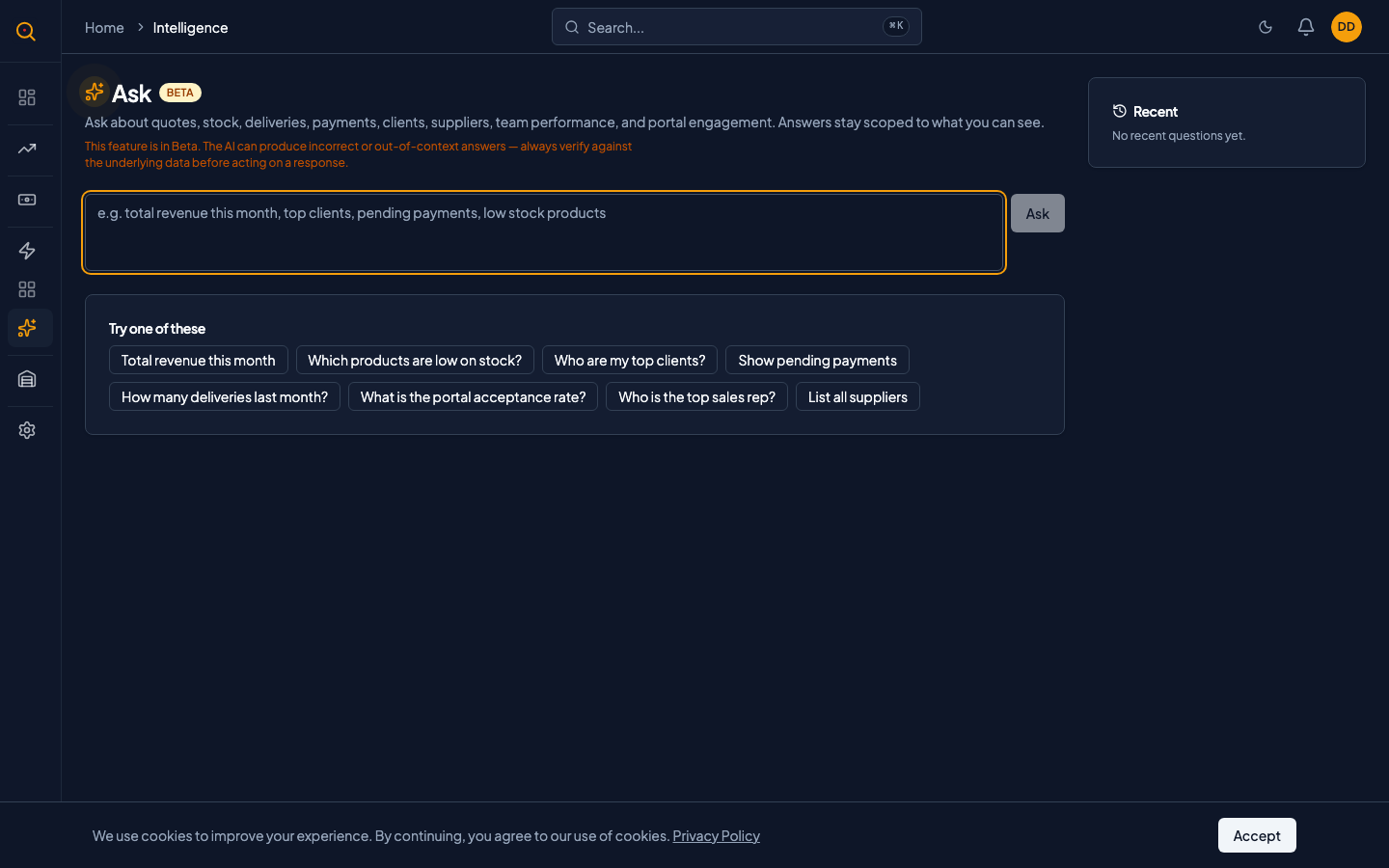
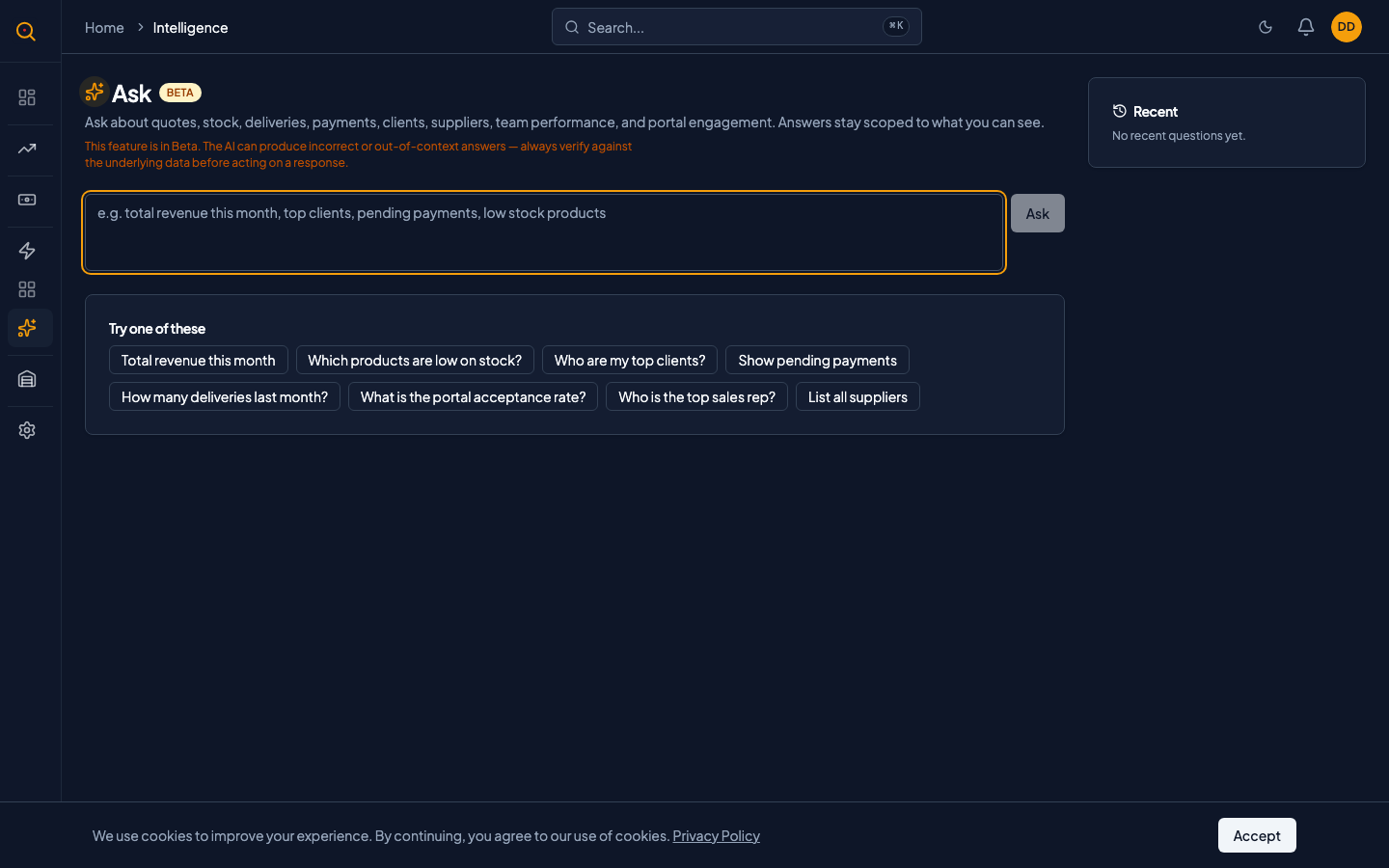
- Navigate to Ask AI from the sidebar to open the query surface.
- Type your question into the prompt box, such as "How many quotes did we send last month?"
- Press Enter to submit. Ask AI processes your question and displays the answer below.
- If the answer includes a chart, it appears alongside the written summary with clickable entity links.
Check if a product is in stock
- Navigate to Ask AI from the sidebar and type a question like "Do we have Product X in stock?"
- Stock questions are answered immediately from your live inventory data with no AI involved.
- The response shows current quantities, location info, and whether anything needs reordering.
- If your role lacks inventory permissions, Ask AI lets you know instead of showing partial data.
Understand what Ask AI can and cannot answer
- Ask AI handles questions about total quotes, revenue, top clients, quote statuses, and stock levels.
- Bucket results by client, sales rep, month, or quote status for deeper insight.
- Sales reps only see their own quotes. Managers and admins see company-wide data.
- Treat Ask AI as a helpful assistant, not an audit report. Spot-check answers against your reports.
Common scenarios
Checking your weekly numbers before a team meeting
- Navigate to Ask AI from the sidebar and type: "How many quotes did we send this week and what is the total value?"
- Review the count, dollar amount, and chart showing the breakdown by rep.
- Ask a follow-up: "Which quotes are still draft and older than a week?" to identify stale drafts.
- Walk into the meeting with the numbers you need, gathered in thirty seconds without running a report.
Quick inventory check during a client call
- While on the phone, open Ask AI and type: "Do we have at least 500 units of Product X in stock?"
- Read the response showing total stock across all locations plus a breakdown by warehouse.
- Answer the client on the spot without putting them on hold to navigate inventory pages.
- If stock is short, ask a follow-up question about alternative products.