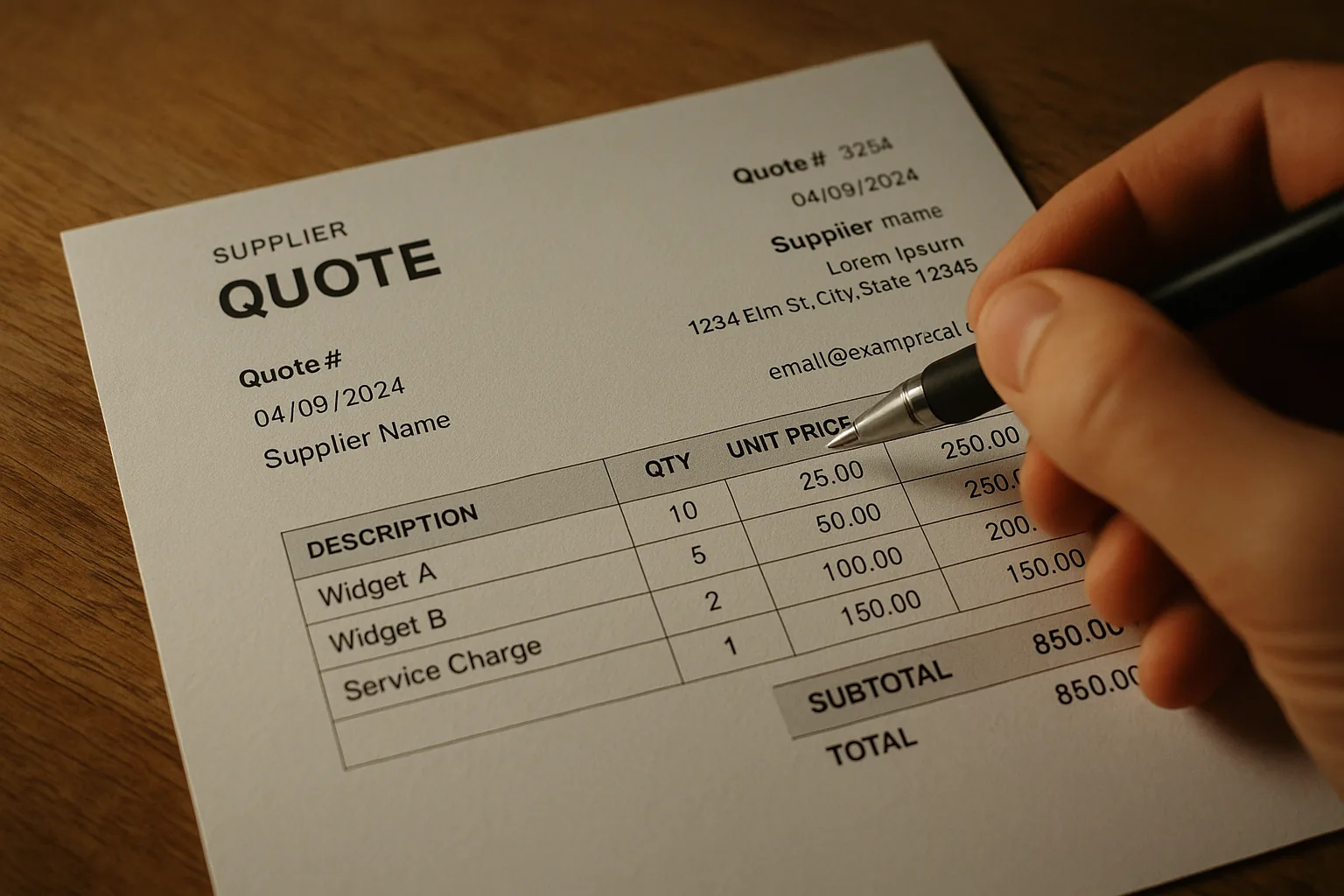
A supplier PDF was never meant to be parsed. It's a page — columns, floating text boxes, merged cells, footnotes. Trying to write a deterministic parser for arbitrary supplier PDFs is a decade-long sinkhole — which is why <a href='/product' class='text-[var(--color-accent)] underline'>our AI-powered platform</a> takes a different approach.
The PDF format itself is the enemy. A PDF doesn't store 'a table with 5 columns and 12 rows.' It stores instructions for drawing glyphs at specific coordinates on a page. Two cells that look adjacent in the rendered output might be pages apart in the internal text stream. A price that appears in the third column visually might be the first piece of text in the file. PDF was designed for printers, not parsers — and every supplier's <a href='/integrations' class='text-[var(--color-accent)] underline'>export pipeline</a> produces a slightly different flavor of chaos.
Text first, structure second
We use pypdf to pull raw text from every page, concatenate with double newlines, and let the LLM reason about structure. Grids, groups, units, qty columns — the model picks them up from context.
This is the key architectural decision: we don't try to parse the PDF's internal layout. We extract text, flatten it, and hand it to a model that understands natural language structure. The model sees something like 'SKU: AB-001 Widget A 12 pcs $14.50' and knows — from context and training — that this is a line item with code, description, quantity, unit, and price. No per-supplier template, no column-mapping configuration, no fragile regex that breaks when the supplier changes their export settings.
The JSON schema safety net
The model is never asked for free text. The model's structured outputs enforce a strict JSON schema: groups, items, codes, quantities, units, prices. If the document is image-only (scanned, no text layer), we return early with an `unreadable_file` error rather than spend tokens.
The schema is the contract. The model can't return 'I think this is a line item but I'm not sure.' It must return an array of QuoteSection objects, each containing QuoteLine items with typed fields. If the text is garbled or ambiguous, the model returns its best interpretation — but always in the schema. The downstream importer code never branches on the content of the response; it only validates the shape. This separation of concerns means the import pipeline is testable with mock JSON, and the AI prompt can be iterated independently.
Failure modes Most failures we've seen are upstream — a PDF that's actually a photograph of paper. The solution is out of band: we ask the user to re-export from their supplier's portal. No amount of AI fixes a document with no text.
Image-only PDFs are the most common failure, but not the only one. Password-protected PDFs, corrupted files that open in a viewer but fail to parse, and files with embedded fonts that map glyphs to unexpected Unicode code points all show up in production. We handle each with a specific error code — unreadable_file, encrypted_file, corrupted_file — so the frontend can render an actionable message. 'This file is password-protected. Please remove the password and try again' is more useful than 'Upload failed.'