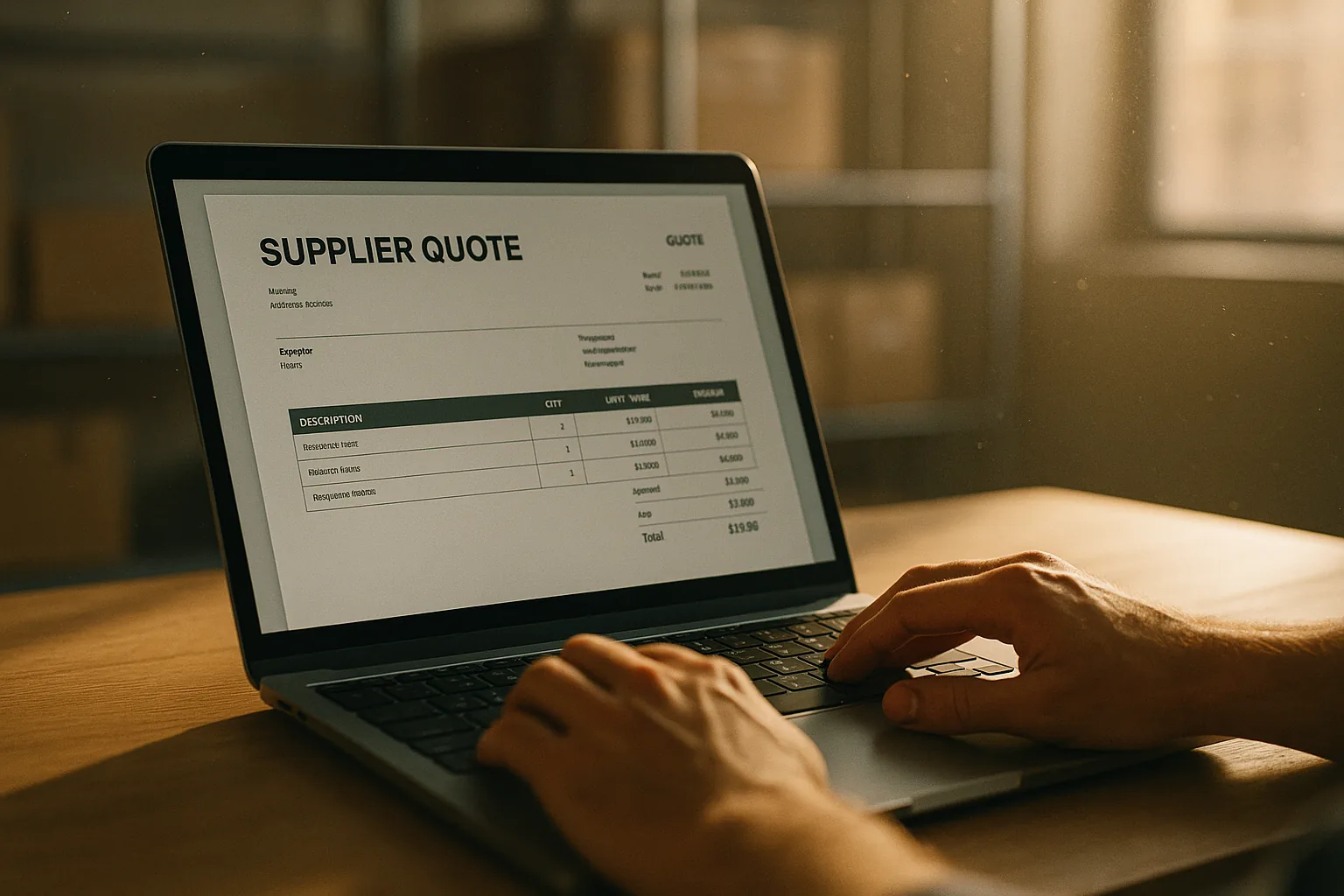
Every distributor knows the ritual: open the supplier's PDF, alt-tab to the spreadsheet, start retyping. Line by line. For years the rule of thumb has been that <a href='/product' class='text-[var(--color-accent)] underline'>quoting intake</a> eats half a sales person's afternoon. It doesn't have to.
The Bureau of Labor Statistics tracks that wholesale trade alone employs over 6 million people in the US. A lot of those hours go to data re-entry — reading a supplier document on one screen and typing it into another. That is not skilled work. It is not judgment work. It is copy-paste at human speed, and it is the biggest bottleneck in the distributor sales pipeline.
What the AI actually does
Quotery's importer normalizes the source document (PDF, XLSX, XLS, or CSV) into structured text, then asks gpt-4.1-mini to extract line items, groups, and prices into a strict JSON schema. No free-text parsing — the model returns a payload that matches exactly what the importer expects. A QuoteSection object wraps QuoteLine items, each with product codes, description, unit, quantity, unit price, and discount fields. The model never sees your catalog, never touches your stock levels, and never interacts with your tenant data. It only sees the document you uploaded.
The input that reaches the model is normalized text — we strip proprietary binary formats first. For PDFs, that means extracting text streams page by page using pypdf. For Excel files, reading cells row-by-row and producing a tabular text representation. For CSVs, validating column structures. Only the text representation leaves your tenant boundary.
Deterministic first, AI second
Once we have candidate lines, we match product codes deterministically against all four catalog code columns: SKU, import_code, internal_code, and export_code. An exact string match on any column is a hit. Only lines with no exact hit get handed to gpt-4.1-mini, along with a short-listed set of candidates from your catalog. The model picks one or rejects all.
Deterministic code matching is free, instant, and never wrong. The AI step costs latency and tokens, so we only pay it when we need to. In practice, about 60-70% of lines resolve deterministically — the AI handles the rest, plus lines where the supplier description doesn't match your internal naming conventions.
Three classifications, zero confidence scores Every imported line lands with one of three labels: exact match, AI decision, or not found. There are no confidence percentages, no 'maybe' bins, no fuzzy thresholds to calibrate. The method is the label. If you see 'exact match,' a code aligned. If you see 'AI decision,' the model picked from your catalog. If you see 'not found,' you need to add a product or fix a supplier code.
This classification system means the review experience is a triage, not a validation slog. You scan for 'not found' lines and handle them. Everything else is ready to price. A 30-minute re-typing job becomes a 60-second review.
Why this beats OCR Traditional OCR pipelines extract text from images and then apply regex patterns. They break on multi-column PDFs, rotated tables, merged cells, and supplier documents that change layout every month. <a href='/features' class='text-[var(--color-accent)] underline'>Our AI-powered import approach</a> skips layout parsing entirely — we give the raw text to a model that understands structure, not pixels. The same pipeline handles a clean Excel sheet and a messy supplier PDF without per-supplier configuration.
For more on how we read PDFs (and why we reject scanned image-only files), see our post on PDF extraction internals.